Best Photo Editors for Android & iOS
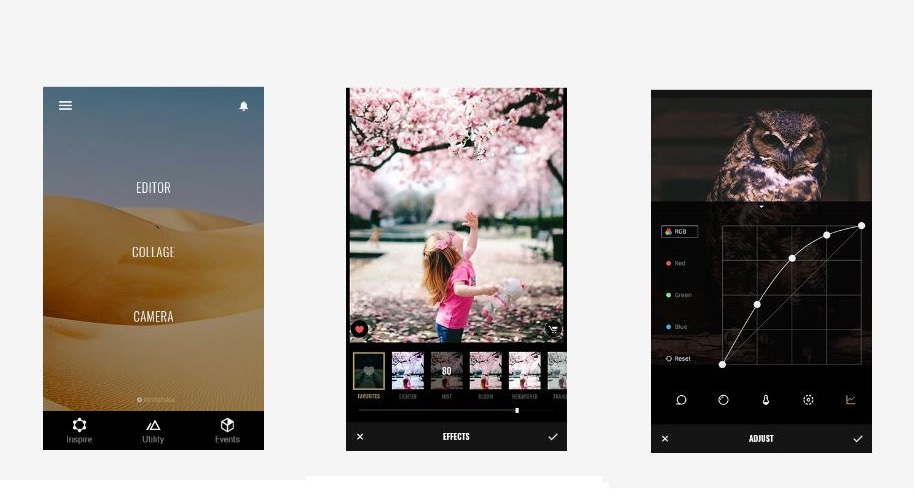
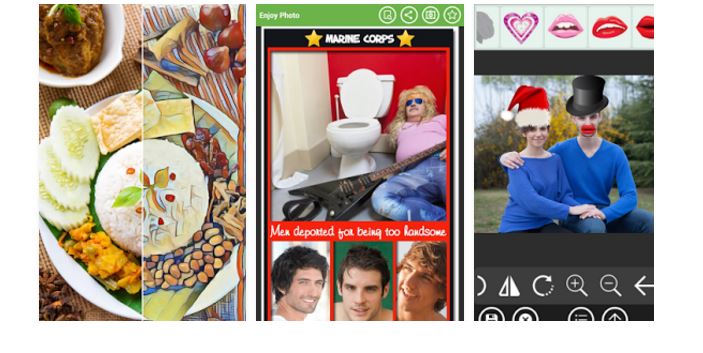
Since the rise of smartphones, many people are using them as primary shooters. These phones are the best possible alternative of the iconic DSLR. And somehow if there is any deficiency in the captured photos, you can rectify them with the help of photo editors. These photo editors have now become an integral part of our gadgets. Many manufacturers have embedded built-in editing apps, which are not as good as third party editing apps but they serve the cause of photo editing a little bit. There are tons of options available for you to choose an editing app, but we have done it for you. Here we have characterized a list of best photo editors available free of cost, which will provide you the best experience of Photo Editing.
Note: None of these apps have the editing tools that something like Lightroom, Photoshop has. But these will provide the best possible tools, built-in filters, and cool effects to serve as an editor, however, for more serious photo editing, you’ll still need a desktop machine.
PicsArt Photo Studio:
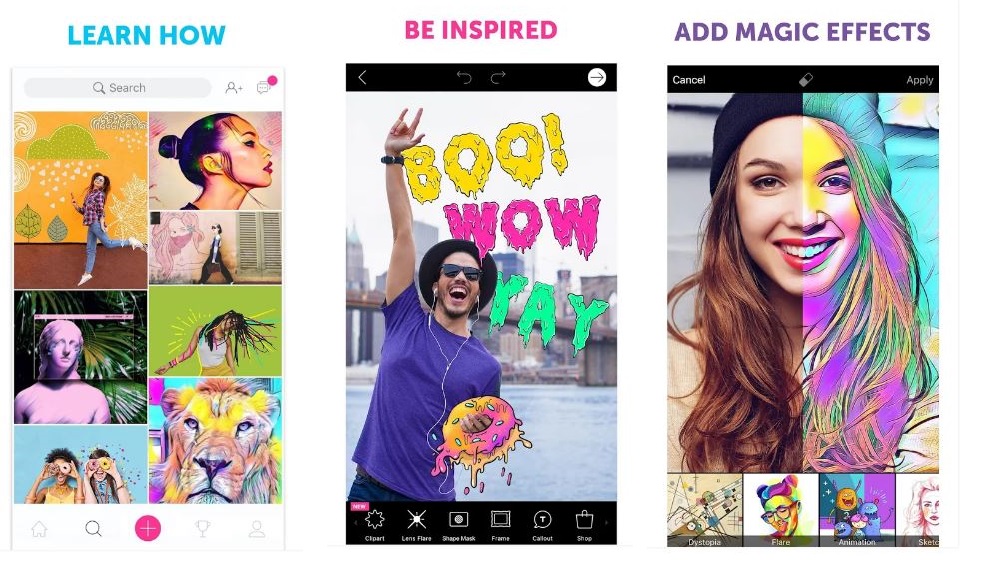
PicsArt is a free editing app, comprising many modules: a powerful image editor with tons of cool effects, a drawing tool and a social media community as well. This app has quite a similar interface to a social platform, but has a quite simple and easy interface to perform photo editing. PicsArt is a very good image editing tool along with numerous filters, stickers to apply on photos and also a good Collage maker. You can also draw on your photos, using its drawing tool and even create animated Gifs. You can connect to a large community on PicsArt to find any help regarding photo editing. This free app is powered by Ads but you can remove them by paying ~$5.Download for Android
Download for iOS
Pixlr:
Pixlr by AutoDesk, is a powerful photo editor, which you will find on Play Store, iTunes. It is free and probably one of the best photo editors available out there. Besides the basic editing tools, it has thousands of combinations of effects, overlays and filters. Using Pixlr, you can add text captions, and it is also an excellent collage maker with handful of options. You can use Pixlr to make basic photo edits and touch ups. The free version of Pixlr is ad-supported and to get an ad-free version you will have to pay $2 to the Developers.Download for Android
Download for iOS
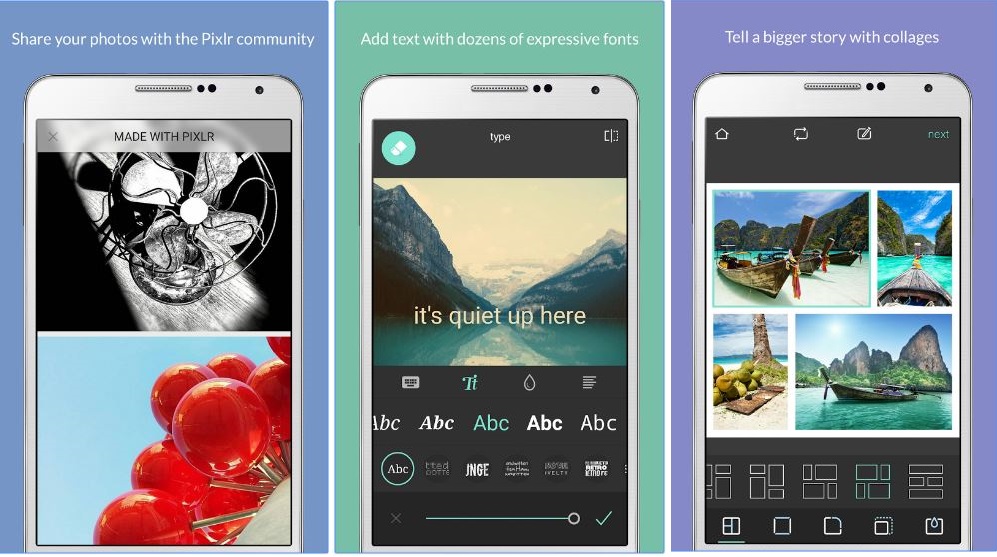
Photo Editor by Aviary:
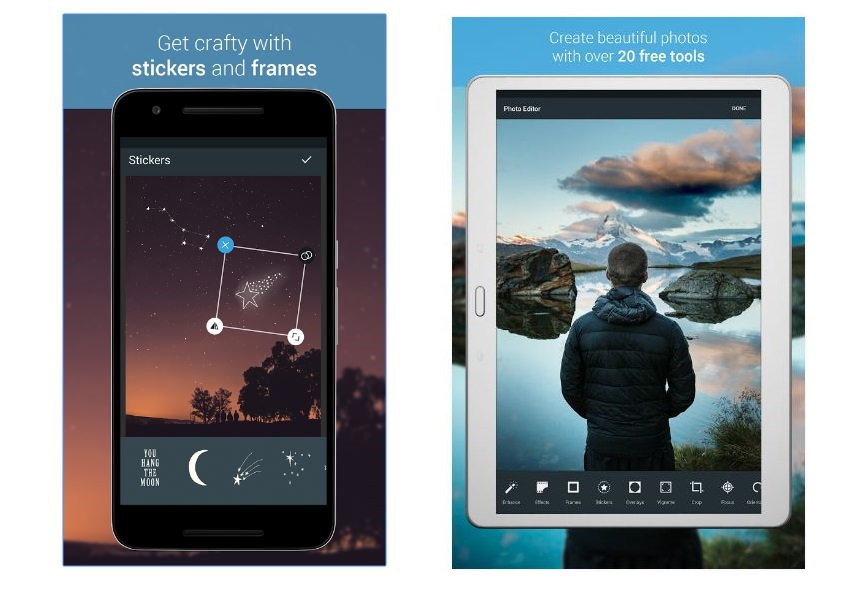
Aviary has been one of the best photo editors for ages, now owned by Adobe. Although, this app is owned by Adobe, but it has different interface than Adobe’s Express or Lightroom. But still you can use Adobe’s Cloud or other Adobe services from Aviary. By using this brilliant photo editor, you can retouch your photos by manual editing tools to one touch enhancement tool. It also provides the usual stuff like applicable stickers, and a slew of filters and effects along with tools such as red eye fixing, blemish remover, and teeth whitener etc. and moreover you can create fantastic memes as well. This is a free app with no ads but offers in app purchases for effects and frames etc.Download for Android
Download for iOS
Fotor Photo Editor:
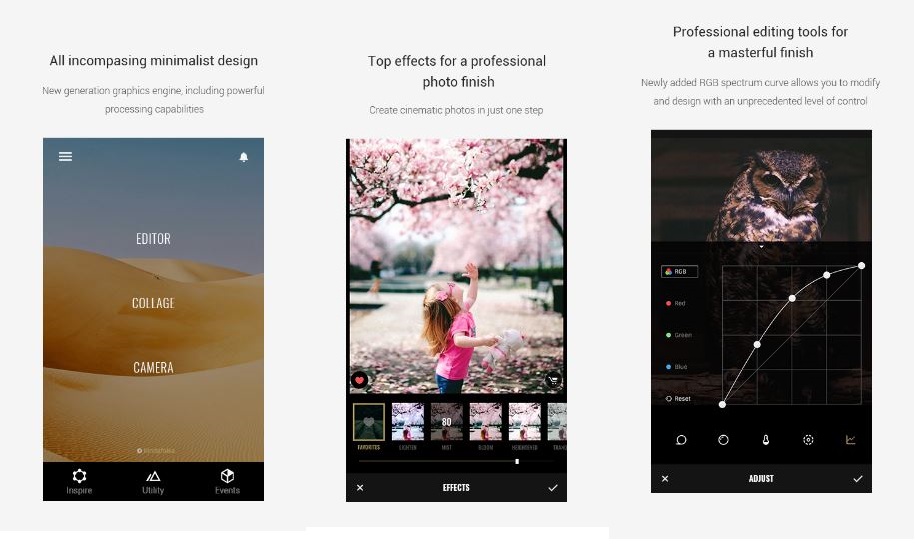
Fotor Phot Editor is one of those editors which takes the editing experience to the new heights. It provides editing tools more than any other editor and quite flexible& easy to use. You will find lot a tap adjustment tool to lot of other tools for adjusting brightness, saturation, contrast, exposure, color temperature etc. You can edit photos, apply filter, make collages and accomplish lots of other usual editing stuff.
Latest version of Fotor features a “Focus” Option along with many other new features. The ‘Focus’ feature simulates depth of field, similar to DSLR lenses. It’s completely customizable, allowing for scale, shape and effect adjustment. This amazing editor is free and definitely worth a try.
Download for Android
Download for iOS
Adobe Photoshop Express:
Adobe Photoshop Express is a photo editor for mobile platforms owned by Adobe. This app is not filled by tons of editing tools like its desktop siblings are, but still a very good editor. You will find the usual editing stuff along with Auto-Fix option, Blemish removal tool, color correction tool, filters and other cool effects to apply on photos. It also supports RAW photo format. You can also sync your photos on desktops as long as you are using Adobe Creative Cloud. This powerful editor is free of cost but offers in-App purchases.Download for Android
Download for iOS
VSCO:
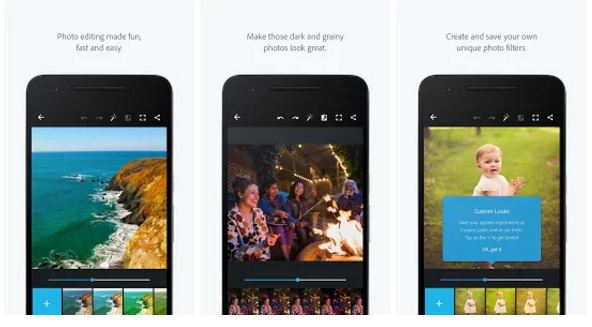
VSCO app has made it to our list because it got everything from a powerful photo editor to a social platform look like interface. You can beautify your photo on the go with its one touch fix or can use more editing tools to go deeper in photo editing. VSCO allows high definition imports, one click view of before and after photo for better comparison, share edited images on social media platforms from. This app is free and offers you to connect a large community of VSCO around the world. Explore content from the people you follow, curated work from the community, and exclusive editorial content from VSCO Originals.Download for Android
Download for iOS
PhotoDirector Photo Editor App:
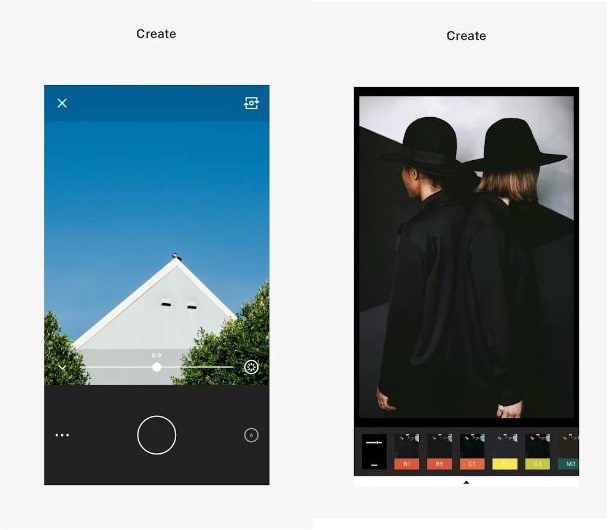
PhotoDirector is a new player in photo editing arena, but it has already proved its significance. This app provides more manual editing tools for you along with built-in filters. PhotoDirector is a multi-purpose editing app with advanced features like HSL Sliders, White Balance adjustment, brightness, saturation, contrast adjustment, HDR effects, also a good Collage Maker. This app allows you to work with layers and easy photo sharing interface. You can use PhotoDirector to add professional look to your photos and it’s basically free but offers in-app purchases.Download for Android
Download for iOS
Cymera - Photo & Beauty Editor:
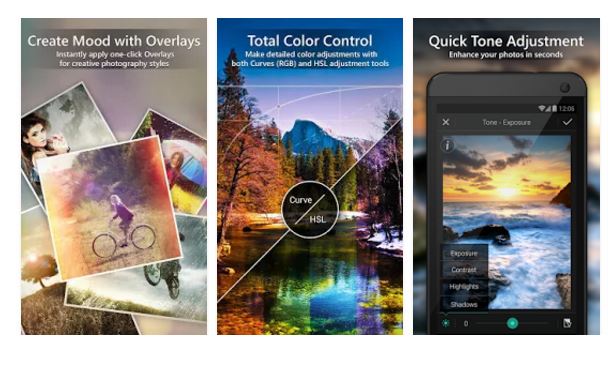
Cymera is richly filled editor with various filters to apply on photos on the go. With its playful interface, it will never let you getting bored while editing photos. This editor provides seven different type of lenses and four different recording modes to instantly improve snaps. You can use retouch your photos in no time by using its built-in tools and also a good Collage Maker with different grid options. Cymera offers a sharing option to spread out your photo on popular social networks. This editor is free of cost, but you will have to deal with manageable tiny banner ads.Download for Android
Download for iOS
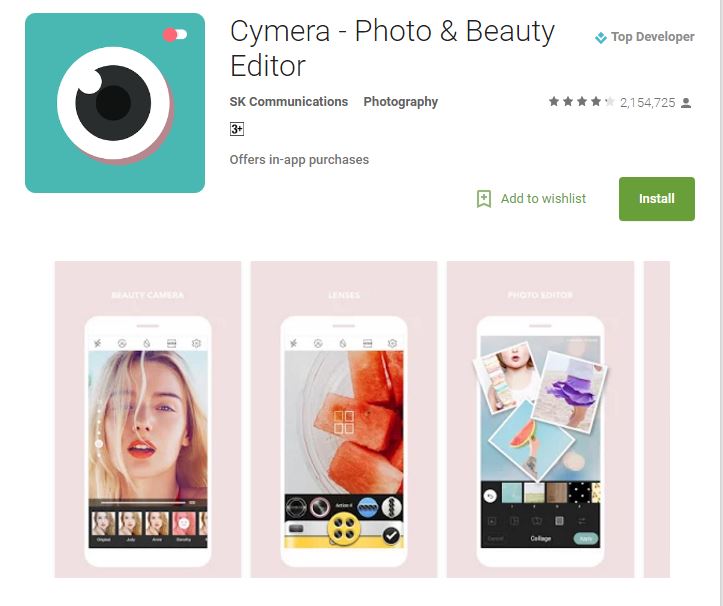
Photo Effects Pro:
Photo Effects Pro is a kind of editor which provides more functionality for those who likes filters, stickers to their photos. This editor is filled with more than 40 effects and filters providing less editing tools to manually adjust the brightness, saturation, contrast of photos. You can add text, stickers, frames, finger paint on the photos. This app also has the capability to share photos on popular social networks from the app. Photo Effects Pro is entirely free.Download for Android